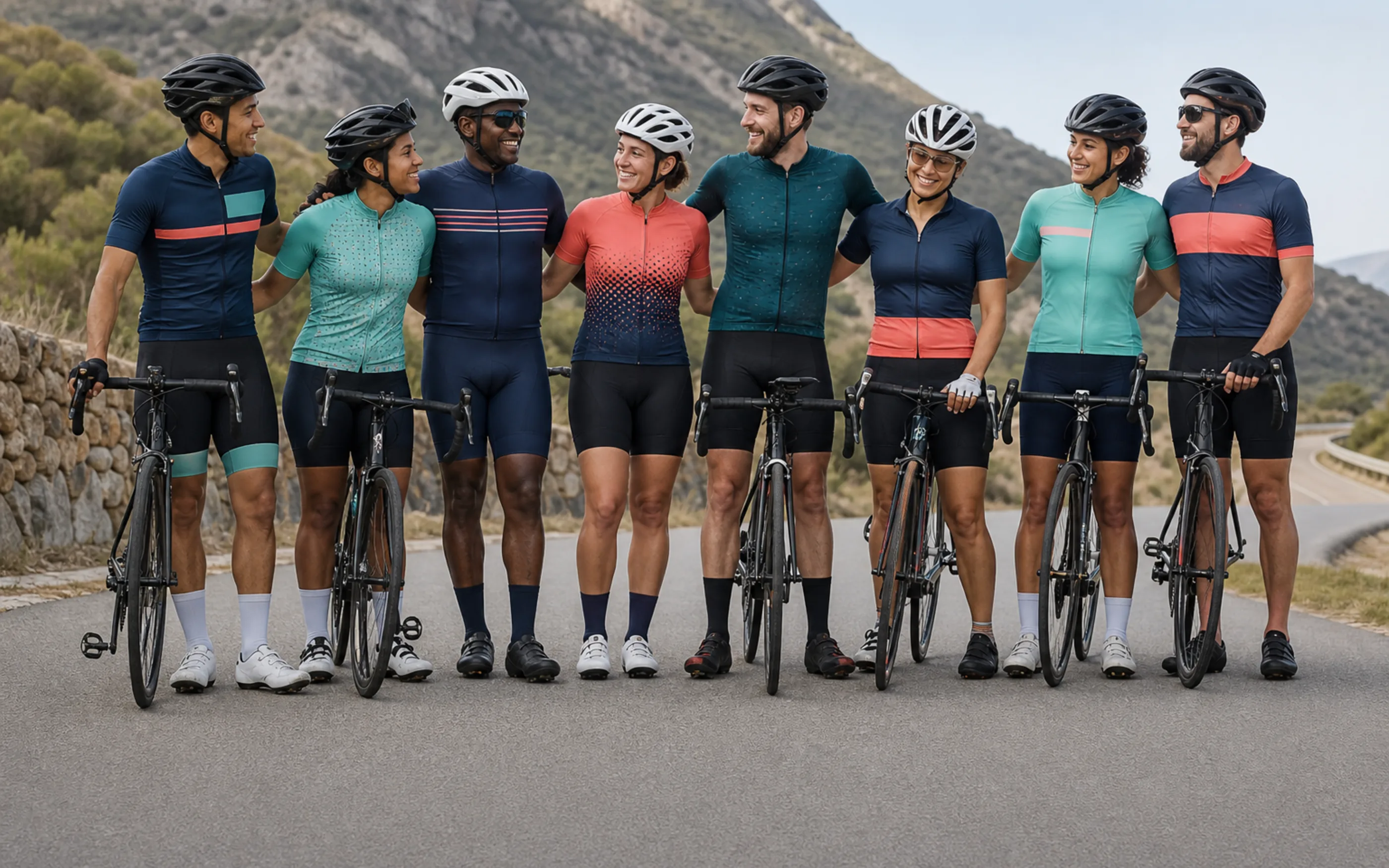
Custom Team Cycling Kits Built to Reorder the Same Way, Season After Season
One roster, or a handful of squads, ordering the same way every season. See how the pattern file gets built once and reused, not rebuilt, year after year.
Is This Your Team? Two Questions to Check
Confirm this is the kind of order you're placing before you read further.
Same Roster, Next Year Too
If your order goes to one roster, or a set of rosters across a few squads, and you expect a broadly similar order again next season, this page is built around that pattern.
One-Time Date, No Repeat
If this order exists to be ready for a single fixed date and there's no expectation of ordering again, a repeat-roster page isn't quite the right frame. Cycling events and corporate orders is built around a one-time date instead — the reorder-file approach later on this page is built specifically around the opposite case.
Individual Names, Numbers, and Sizes
If your kit needs individual player names, numbers, or a mixed size spread across the roster, that's handled inside the same order — covered in section 7 below.
What a Team Kit Includes
The garments and branding options that make up a typical team order.
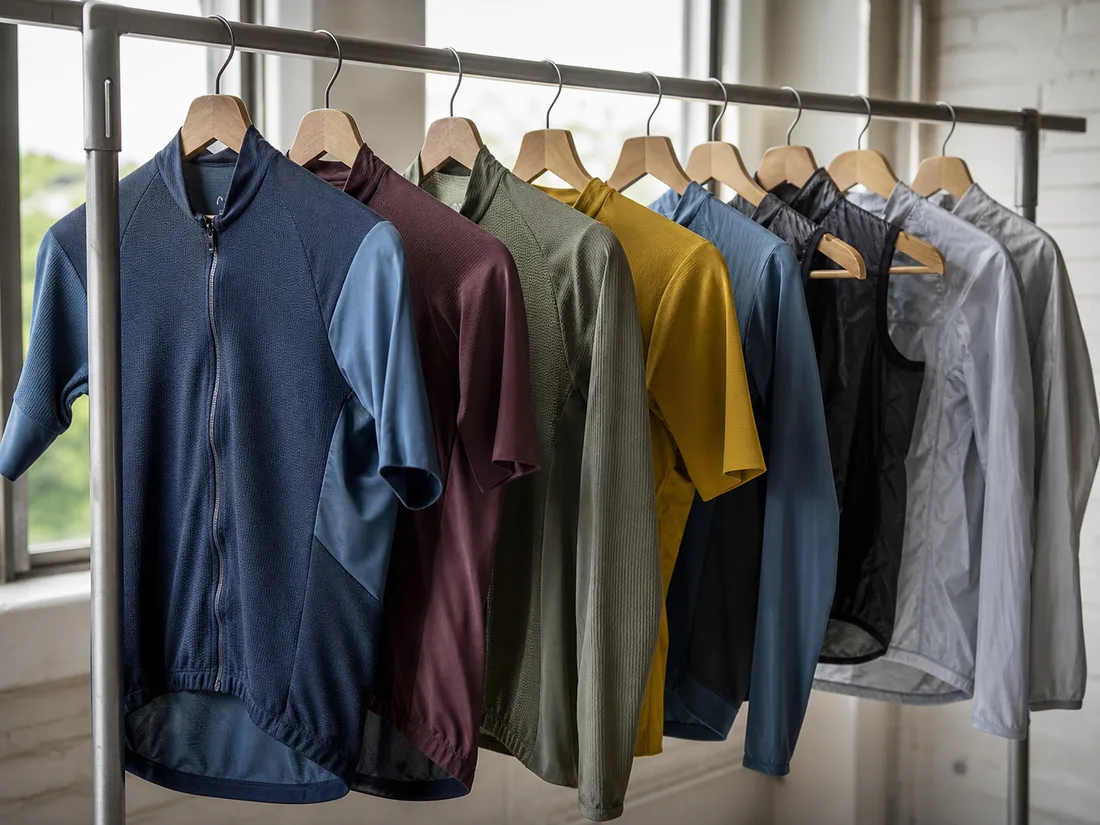
Jerseys, Vests & Outerwear
Short-sleeve and long-sleeve jerseys, vests, and windproof or waterproof outerwear layers, specified per squad.
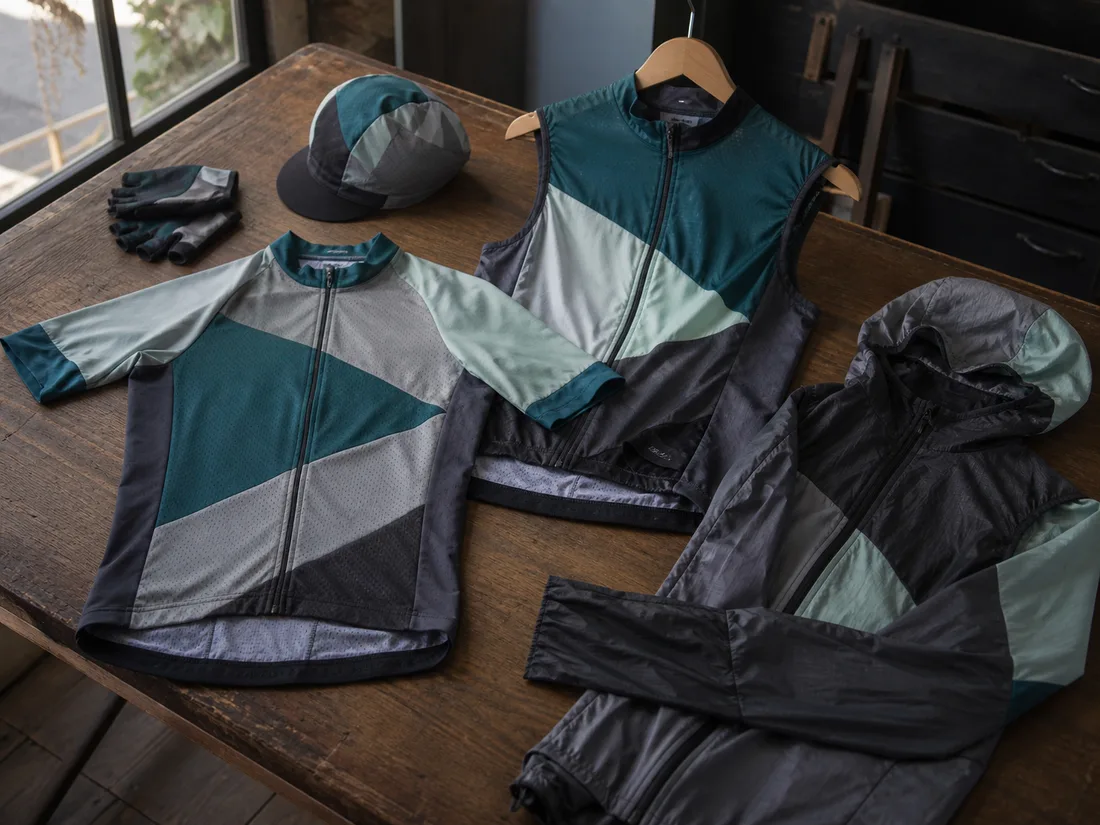
Full Kit Sets
Jersey, vest, and outerwear specified and produced together as one program, so a squad isn't chasing separate orders against one season date.
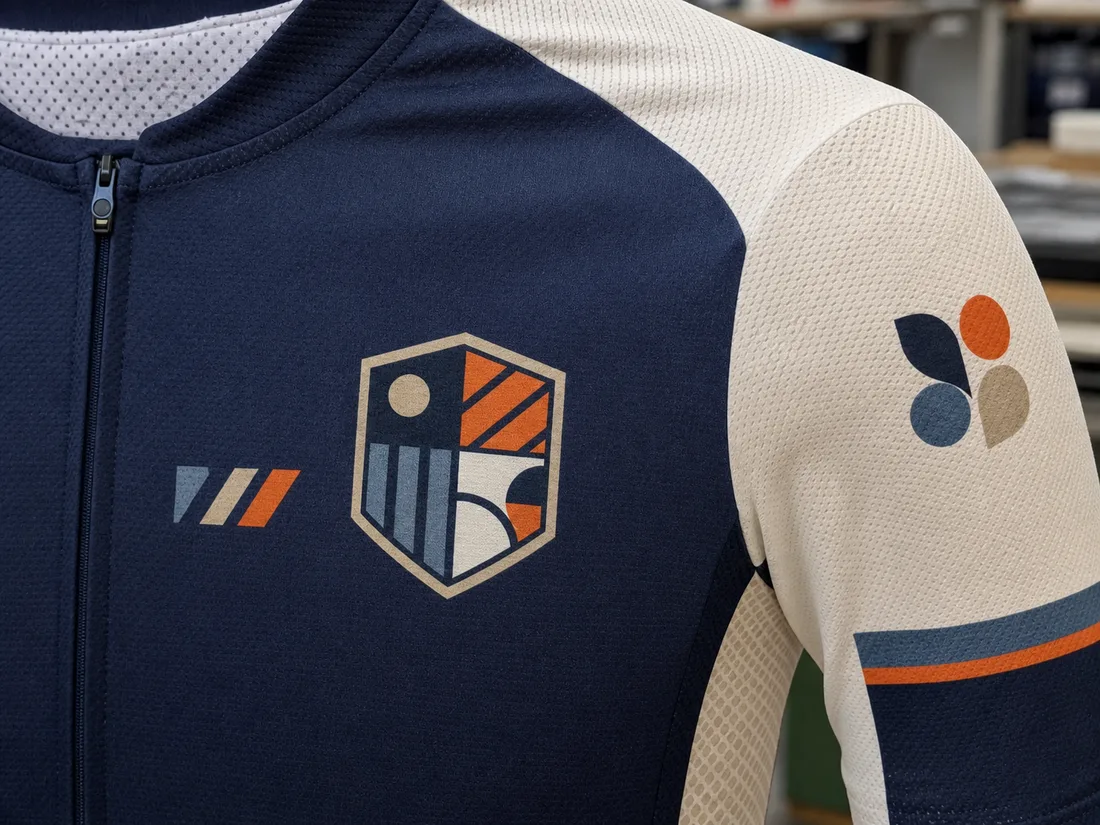
Sponsor & Club Logo Placement
Club crest, sponsor logos, and squad names are placed across the kit — chest, sleeve, and back positions — as part of the same specification as the garment itself.
Managing Multiple Squads on One Order
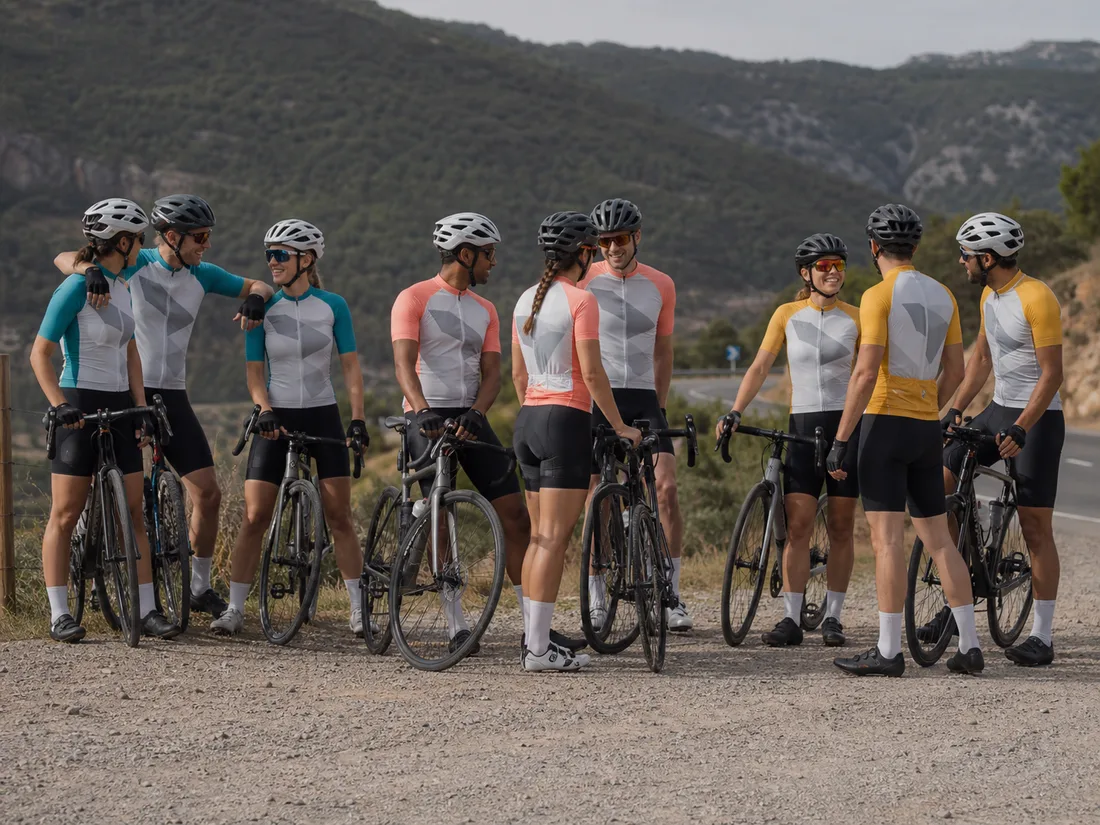
If several squads within a club order together, each squad's colorway is tracked separately inside the same order, so a shared order doesn't mean identical kits across every squad. A junior squad and a senior squad, for instance, can share the same base pattern and sponsor placement while running different accent colors — each squad gets its own line item within the order, with its own size breakdown and its own pattern-file entry, so a change to one squad's kit next season doesn't touch the others.
How Your Pattern File Works
The mechanism that turns a repeat order into an update, not a new project.
What's Actually Inside the File
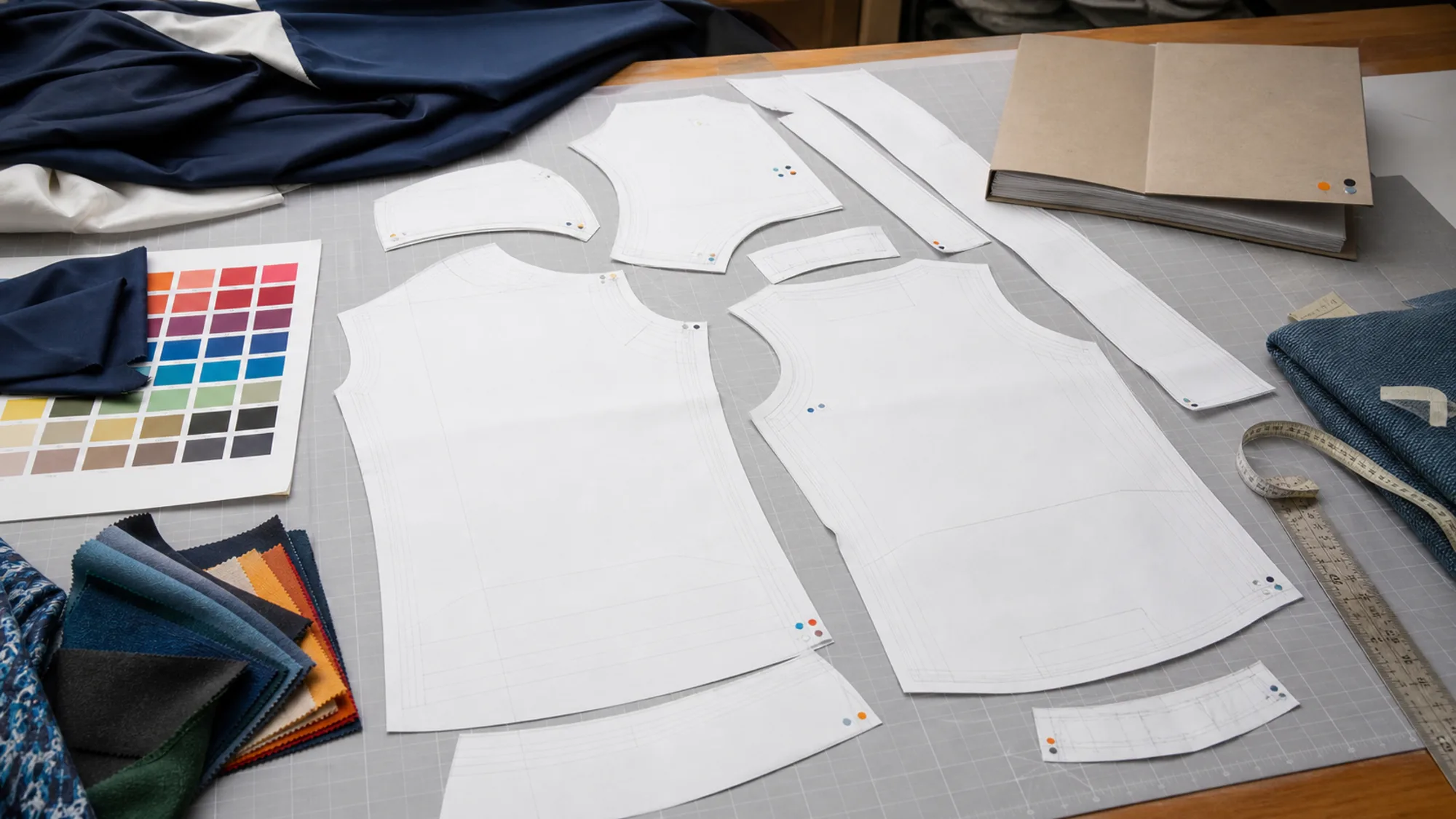
The pattern file isn't just a garment shape — it's four things kept together under your account: the graded pattern set for every size your roster ordered, the approved colorway reference, the decoration file, and the size breakdown from your last order. A reorder pulls all four at once, which is what lets a colorway swap happen without re-deriving the pattern, re-matching the color, or re-placing the logo from scratch.
Season One: Pattern and Spec on File
The first order builds that file specific to your roster's fit and your kit's specification. Once you sign off on the sample, the file is locked in as the reference under your account — not a draft that gets redone next time, the actual record the next order reads from.
Season Two Onward: What Counts as an Update
A colorway change, a sponsor-logo swap, or a shift in your size breakdown are all read against the existing file and applied as updates. None of them touch the graded pattern itself, so none of them trigger a new sampling round.
What Actually Restarts the Clock
Three things move an order back into a full new specification: a different fit than what's on file, a different garment silhouette (adding a vest to a jersey-only order counts as a new garment), or a fabric change. Each of those re-opens sampling because the file's graded pattern or fabric spec no longer matches what's being ordered — a colorway or roster-size change never does.
Who Sends the Update
Your side sends what's changing (new sponsor name, new colorway, updated size breakdown); confirmation happens against the file already on record, not a blank page. There's no re-briefing step where the factory relearns your team's fit from scratch.
Ready to Lock In Your Season?
Start Your Team's OrderSizing and Exchanges
How fit gets confirmed before bulk production, and what happens if a size runs wrong.
Size Confirmation Before Bulk
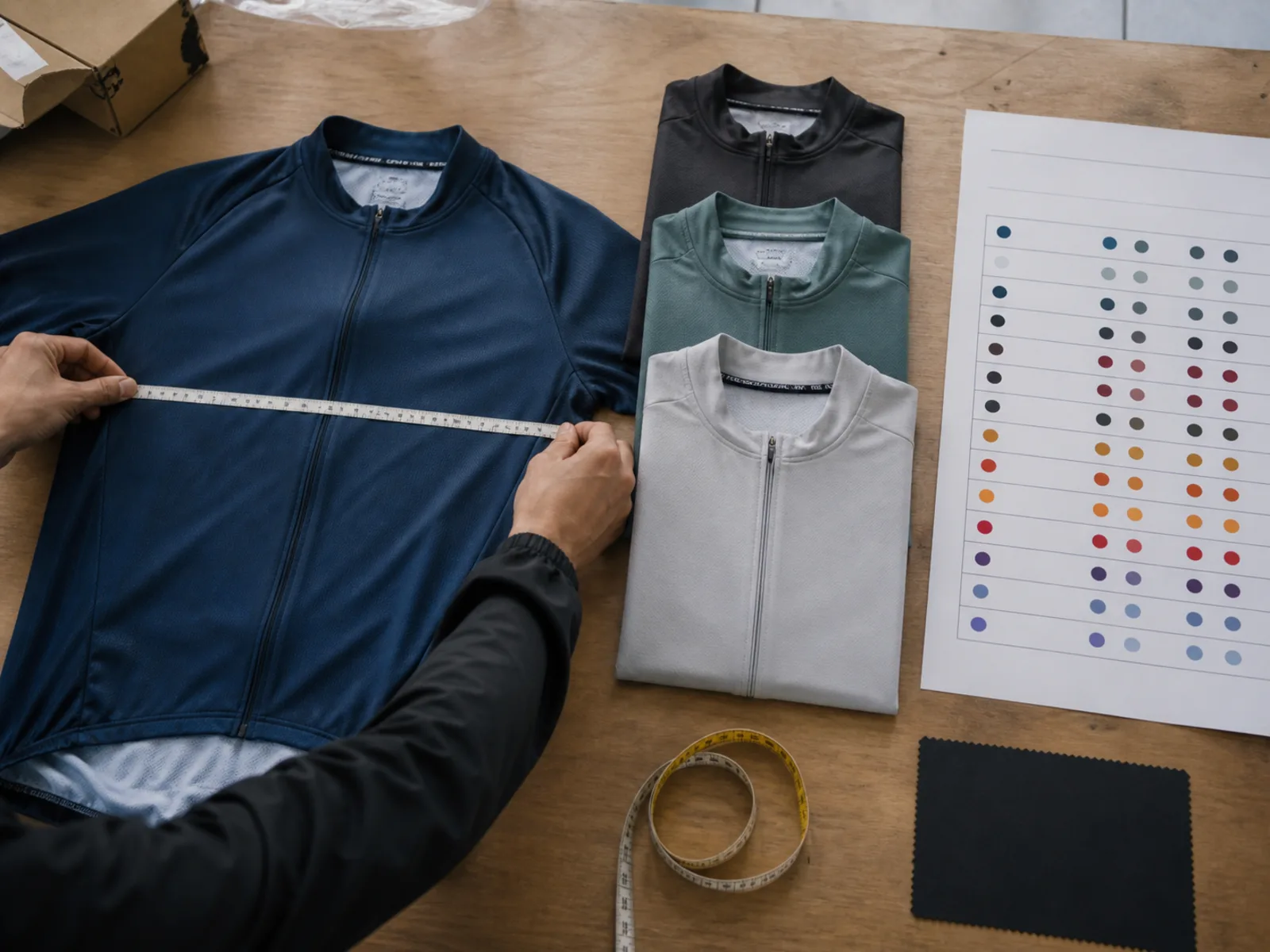
Sizes are confirmed against a size-set sample before the full roster's kits go into production, not discovered after delivery. Your side collects individual measurements or size selections from the roster; those get matched against the confirmed size chart before the bulk order is placed, not estimated.
Mixed Sizes, One Order
A single team order can carry a full spread of sizes across the roster; sizing doesn't need to be uniform, and it's tracked per player against the roster list, not as a single blanket size run.
Names and Numbers on the Same Order
If your kit needs individual player names, sponsor placements, or squad-specific numbering, that's collected as part of the same order — a name-and-number list submitted alongside your size breakdown, matched player by player. It doesn't require a separate order or a separate production run; it's one more field on the same roster sheet that already carries sizes.
If a Size Doesn't Work
A misfit is handled as an exchange against the size chart confirmed for that order, not a fresh negotiation each time it comes up. Because the size chart and the pattern file are the same record across seasons, a player whose size changes year to year is a one-line update against the file, not a new fit conversation.
Counting Back From Your Season Opener
What the sample and bulk production stages mean for your season timeline, node by node.
Four Points, Counted Backward From Opening Day
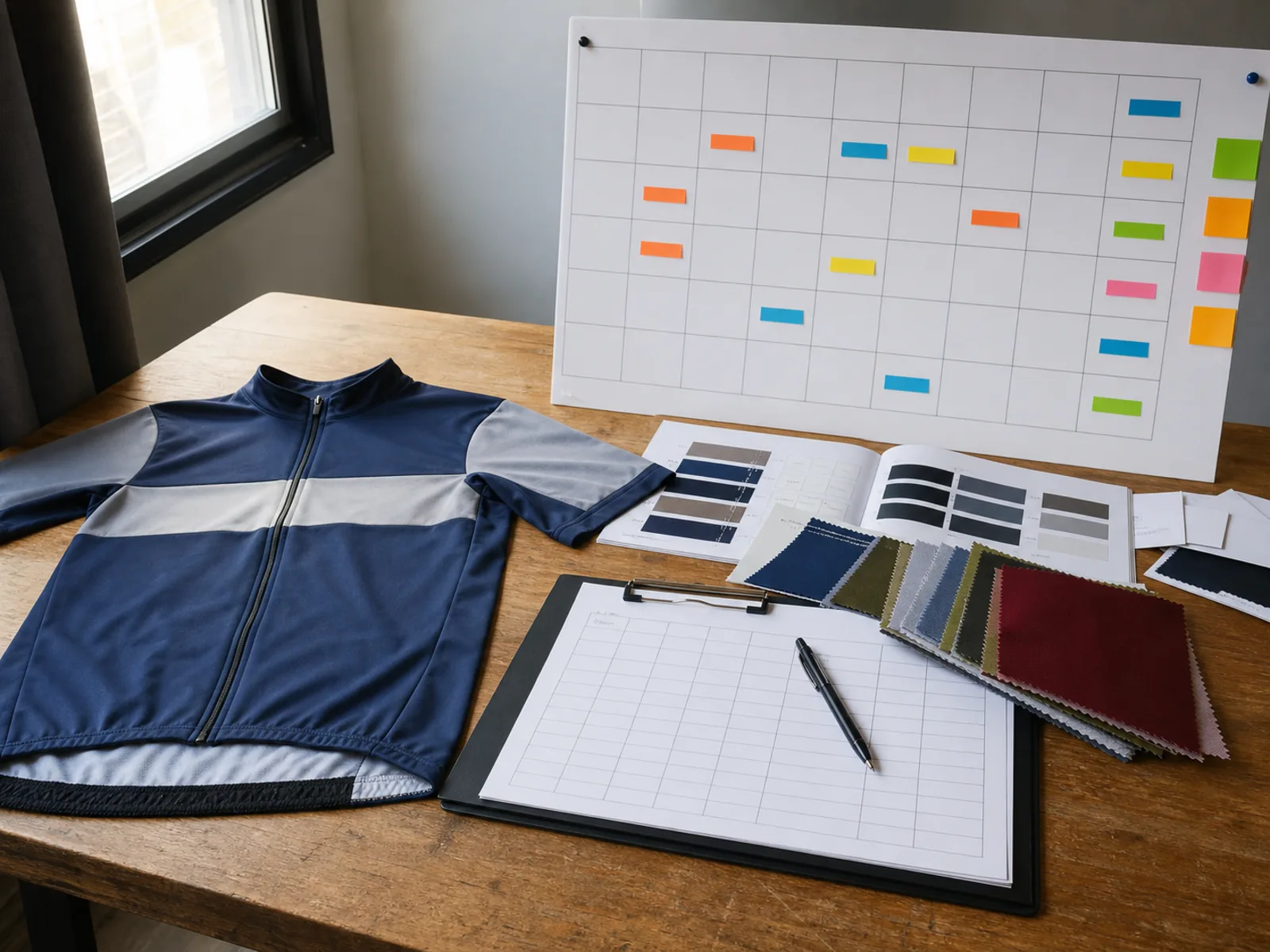
The sample and bulk production windows are covered in full on the homepage's Delivery & Scheduling section — sample production runs 5–7 days, and bulk production runs 20–30 days counted from sample sign-off. For a team order, that maps onto four dates you can count backward from your season opener: the date kits need to arrive, the date bulk production needs to start to hit that arrival, the date the sample needs to be signed off to start bulk on time, and the date your kit specification needs to be complete to leave room for sampling before that sign-off date.
Kit spec complete by — leaves room for sampling before the sign-off date.
Sample signed off by — releases the bulk-production start (5–7 day sample lead time).
Bulk production starts by — the 20–30 day bulk window begins counting.
Kits arrive by — built with a buffer before the season opener itself.
Reordering Teams Skip the First Delay, Not the Whole Clock
If your file is already on record from a previous season and this order is a colorway or roster update, the specification stage moves faster because the pattern and decoration files don't need to be rebuilt — but sample and bulk production still run their normal course, because the physical garments still have to be cut, sewn, and decorated. Reordering shortens the front of the timeline; it doesn't skip the production stages behind it.
What Happens If the Sign-Off Date Slips
If the sample sign-off date passes without a decision, the bulk-production start date moves back by the same amount — and because bulk production is what's counted backward from your season opener, a late sign-off is what turns into a tight or missed opening day, not a quietly absorbed delay.
A Club That Reorders Every Season
A North American amateur cycling club orders kits for 8 squads each season, 30 kits per squad, 240 pieces in total. The program has repeated for 3 consecutive seasons, with the pattern file and colorway record held between orders — each new season updates that file rather than starting over. The real club name is not shown; the program is described by scale and structure only.
How the reorder actually ran: each season's touchpoint was a colorway sign-off, not a pattern re-approval — the club confirmed a new accent color against the same graded set on file, then the order moved straight to production. Sizing and name/number changes across the 8 squads were handled through the exchange process described above, not by reopening the pattern between seasons.
Why it held for three seasons running: this is the same pattern-file-reuse mechanism described earlier — version the file once, update per season — carried out three times in a row. It's also why the club's reorders never queued behind a fresh club's first-time setup: a reordering team skips the file-build step, not the whole production clock.
No company name is shown; the program is described by buyer type, scale, and structure only.
Questions From Team and Club Buyers
The questions that come up most from club and team managers.
Start the Conversation
One form, four fields, for your team's first order or your next season's update.